
Managed IT · Checklist
New Employee IT Setup Checklist: How To Get a New Hire Ready
Setting up IT for a new employee comes down to three things: a computer that is ready and secure on day one, the accounts they need (and only those), and the security basics in place before they start working. A little planning before the start date avoids a first morning spent waiting for logins. It also means you know exactly what to turn off when they eventually leave.
By SupportMax · Updated October 13, 2026
Before day one
1
Order or prepare their computer
2
Create their Microsoft 365 account
3
List the apps and files they need
Questions? 310.331.8119 · Mon–Fri, 9–6 Pacific.
Plain-English guidance
Based in West Los Angeles
Ready on day one
One accountable team
What they need
What a new employee needs from IT
Four things, ready before they walk in.
01
A ready computer
Set up with updates, security software, and the apps they will use.
02
The right accounts
Email and Microsoft 365, plus the business apps their role needs.
03
Only the access they need
Shared files and systems for their job, not everything on the network.
04
Security basics
Multi-factor authentication, a password manager, and a short security briefing.
The checklist
Your new employee IT setup checklist, in order
Spread the work out so day one is calm.
Let's Take This Off Your Plate1. Before the start date
Order or prepare the computer, create their accounts and email, assign licenses, and decide which files and apps they need.
2. On the first day
Hand over the computer, set up multi-factor authentication with them, connect their phone if needed, and show them how to ask for help.
3. In the first week
Confirm everything works, add any missing access, and complete security awareness training.
What to set up
Device, accounts, and security
Three areas to cover for every new hire.

Device
Ready to work
Computer ordered or reassigned
Updates and security software installed
Apps for their role installed
Device recorded in your inventory

Accounts
Only what they need
Microsoft 365 account and license
Email groups and shared mailboxes
Access to the right shared files
Business app logins

Security
From the first login
Multi-factor authentication
A password manager
Security awareness training
A clear way to report problems
Microsoft explains how to add users and assign licenses in Microsoft 365, and CISA's Secure Our World program covers the security basics every new employee should know.
Plan ahead
Start access tracking on day one
Write down every account, app, device, and shared password a new employee gets. It takes a few minutes now and saves hours later, because when they leave you will know exactly what to turn off. See our employee offboarding IT checklist for the other side of the process.
Managed IT services →How SupportMax helps
How SupportMax sets up new employees
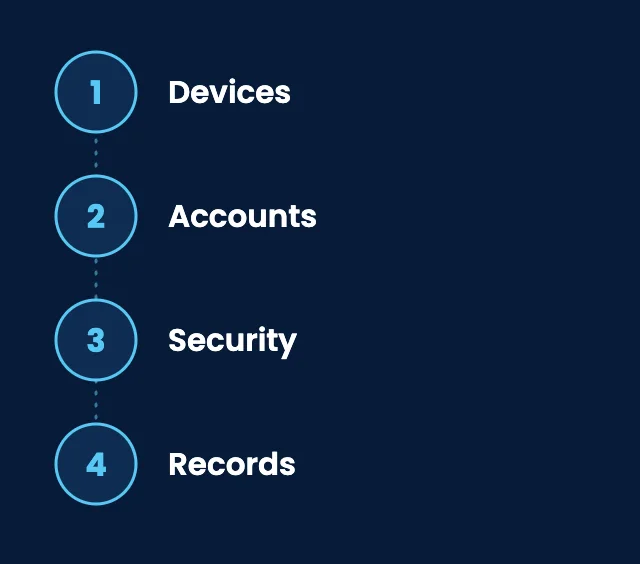
01
Devices
We recommend, order, and set up computers with security software and apps before day one.
02
Accounts
We create Microsoft 365 accounts, assign licenses, and set up access for their role.
03
Security
We set up multi-factor authentication and provide security awareness training.
04
Records
We track devices and access so offboarding is simple later.

Working with SupportMax
One accountable team, clear next steps
Hiring soon?
Let us take new-hire IT off your plate. Call 310.331.8119, Monday–Friday, 9:00 a.m.–6:00 p.m. Pacific, or start with a free Technology Clarity Assessment.
Questions
New employee IT setup: common questions
Have a question that isn't here? Call 310.331.8119 or schedule a free consultation.
How far ahead should we start?
As early as you can. Ordering a computer can take time, and accounts should be ready before the first morning.
Should we reuse a former employee's computer?
Yes, if it is in good shape, but wipe it and set it up fresh first so no old data or access carries over.
Should new hires get access to all shared files?
No. Give access only to what their role needs. It is easier to add access later than to clean it up.
Do new employees need MFA right away?
Yes. Set up multi-factor authentication on the first day, before they start using email and files.
What about personal phones?
Decide what work apps they can use on a personal phone, and make sure company data can be removed if they leave.
Can SupportMax handle new-hire setup?
Yes. We prepare devices, accounts, and access before day one. See managed IT services.
Make every new hire's first day smooth
Call 310.331.8119, Monday–Friday, 9:00 a.m.–6:00 p.m. Pacific, or request a free Technology Clarity Assessment. See also Microsoft 365 management.
Prefer to call? 310.331.8119 · Mon–Fri, 9–6